You’ve seen the future, it’s time for the NOW
Posted: March 25, 2013 Filed under: Uncategorized | Tags: Convergence, NAVUG, user group Leave a comment I can’t agree more with the recent post Suzanne Scanlan posted regarding the connection between Microsoft Dynamics Convergence and the NAVUG Forum. Convergence is a great view of the future, but NAVUG Forum hits us where we live – in the now. It’s the one opportunity I have every year to connect intimately with my NAV community. For three of four days we live, breathe, and even dream NAV because we get the chance to immerse ourselves in learning about and solving business challenges with our primary tool, NAV. The really great thing is we get to learn from each other! Volunteer end users present the majority of the sessions, so you know the information you’re getting is coming from someone who uses the software every day, just like you do, and likely in the same version that you are using now. I love to see the bright shiny vision of the Microsoft future at Convergence, but on a practical level, I won’t be arriving at that point in time for at least two years. The material I consume at NAVUG Forum is immediately applicable to what I’m facing in the now.
If you’re looking for info about the upcoming 2013 NAVUG Forum held in Tampa, FL October 21-25 check out these links.
Examples of content offered at the 2012 NAVUG conference
NAVUG spotter at Convergence: Monday highlights
Posted: March 18, 2013 Filed under: Uncategorized | Tags: Convergence, NAVUG, user group 1 CommentUser groups have been the word(s) of the day for Monday! Sessions on fixed assets, NAV integration with SharePoint, reporting with the RTC, account schedules, database optimization, and international deployment were all sessions delivered for NAV end user attendees by NAVUG members. Despite jet lag, nerves, uncooperative database connections, and the ever-present challenge to make it to the right room down some loooong hallways, volunteer end user presenters did a great job of sharing vital information and attendees did a great job of asking questions.
Roundtable discussions seem to be a rousing success with the only flaw being that we have more attendees than chairs. It was not uncommon to see attendees sitting around a table with one ring of attendees standing behind them, and another ring behind that group! I saw lots of business cards flying and people making connections with folks who use NAV in their jobs every day, just like they do. Around the CFO and Controllers table, the hot topics of the session were upgrading and BI and reporting, perennial NAV topics that end users still struggle to agree on. Other NAV hot topic tables were: currently implementing companies, converting forms to pages, ask your peers: supply chain, international installations, and professional service companies. 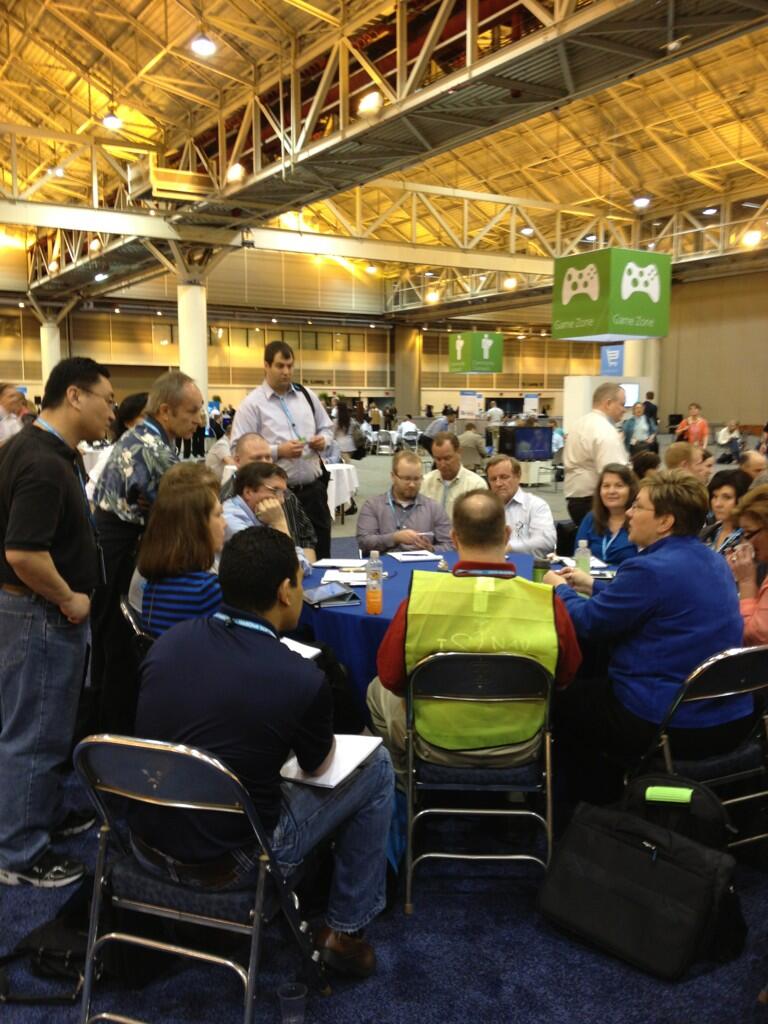
The long registration lines have subsided, and the hallways and Expo hall are full of attendees continuing the conversations they started earlier in the day. As we move into the evening, I can hear Cajun music starting and smell the food being put out for the first reception of Convergence 2013.
NAVUG spotter at Convergence: Where will you find supply chain users?
Posted: March 15, 2013 Filed under: Uncategorized | Tags: Convergence, Dynamics, Microsoft, NAV, NAVUG, user group Leave a commentThis year, the NAVUG (NAV user group) is more active at Microsoft Dynamics Convergence than ever before, offering 19 sessions given by end users who use the software every day at their companies! There are plenty of opportunities to attend sessions on supply chain topics and to meet other supply chain end users.
Start off your week on Monday by attending roundtable discussions. There will be a role based table for supply chain and manufacturing personnel as well as an ask your peers table.
On Tuesday, attend a session by Marc Allman, Chief Operating Officer at AMS Controls, and Kevin Fons, Director of Business Systems at Saris Cycling Group, to get tips and tricks for supply planning. On Wednesday, Marc Allman teams up with Heather Allman, Communications Director at AMS Controls, and Bob Bergman, Senior Microsoft Dynamics NAV Consultant with Archerpoint, to conduct an ask your peers session on manufacturing setups. To cap off the week on Thursday, Nancy O’Hara, Director of Business Systems at Shaw Development, and Tom Taylor, Microsoft Dynamics Partner Technology Advisor with Microsoft, conduct a session together on warehousing in Microsoft Dynamics NAV.
NAVUG spotter at Convergence: Where will you find IT and developer users?
Posted: March 14, 2013 Filed under: Uncategorized | Tags: Convergence, Dynamics, Microsoft, NAV, NAV 2013, NAVUG, networking, SharePoint, user group Leave a commentThis year, the NAVUG (NAV user group) is more active at Microsoft Dynamics Convergence than ever before, offering 19 sessions given by end users who use the software every day at their companies! There are plenty of opportunities to attend sessions on IT and developer topics and to meet other IT and developer end users.
The user group gets Monday’s sessions started with three sessions for IT and developer roles. Kali Petit, Systems Analyst Manager at Group O, gets the day going with a session on integrating Microsoft Dynamics NAV with SharePoint, while Kim Congleton, Director IT for Supply Chain Solutions at Group O, gives a session on reporting 101 using the role tailored client. Matt Traxinger, Dynamics NAV MVP and Developer at ArcherPoint, caps off the Monday sessions with database optimization and best practices in Microsoft Dynamics NAV.
Kali Petit is joined by David Long, SharePoint Practice Leader at Tribridge, and Doug Shepard, Director of Information Technology at Augsburg Fortress Publishers, as peer experts for an interactive discussion on getting more out of Microsoft SharePoint and Microsoft Dynamics NAV. Anticipating quite of bit of interest in this topic, the session is offered in time slots on both Wednesday and Thursday.
Also on Wednesday, Scott Rose, VP of Operations at Mirus Bio joins forces with Fria Kurowski, Account Manager for ABC Computers, for a session on how to make a smooth transition when moving from classic to RTC.
To end off the week, there is one last session offered on Thursday for folks looking for an interactive discussion with a peer panel related to upgrade experiences with Microsoft Dynamics NAV. This session makes NAVUG members who are in all different stages of NAV upgrade and implementation available to Convergence attendees to ask questions about what their experiences have been. Peer panelists for this session are David Hatker, VP of IT at CCA & B, Kim Congleton, Director IT for Supply Chain Solutions at Group O, Kerry Rosvold, Corporate Controller at Augsburg Fortress Publishers, and Greg Kaupp, CEO of ArcherPoint.
Don’t forget there are plenty of opportunities on Monday during the time slots for roundtable discussion, with specific tables available for IT Managers, Developers and Programmers. The IT and Developer roles dominate the hot topic roundtables this year covering upgrading, reporting in NAV, integrating NAV with SharePoint, NAV modifications, recent go lives, current implementations, and converting forms to pages.
NAVUG spotter at Convergence: Where will you find finance users?
Posted: March 13, 2013 Filed under: Uncategorized | Tags: Convergence, Microsoft, NAV, NAVUG, networking, tips and tricks, user group Leave a commentThis year, the NAVUG (NAV user group) is more active at Microsoft Dynamics Convergence than ever before, offering 19 sessions given by end users who use the software every day at their companies! There are plenty of opportunities to attend sessions on finance topics and to meet other finance end users.
On Monday, there is a session offered by Robb Delprado, President of Western Data Systems, on fixed assets, and a session on account schedules being offered by Kerry Rosvold (me!).
Robb and Kerry join Dave Wiser, Controller at Tillamook Cheese, and Lee Weiner, Chief Financial Officer at The Bradshaw Group, Inc. as peer experts for two sessions of Ask Your Peers: Finance Professionals, on Tuesday and again on Wednesday.
On Thursday, Kerry returns to do a session on dimensions, and Andy Snook, President of FastPath, offers a session on audit compliance.
All of these sessions are made possible by the NAVUG and the participation of their users! Don’t forget about the roundtable discussions on Monday as well. There are tables planned for CFO/Controllers and Cost Accountants where free discussion will be facilitated by user group leaders. These are great opportunities to meet other end users who use NAV every day, just like you do!
NAVUG spotter at Convergence: Where will you find international users?
Posted: March 12, 2013 Filed under: Uncategorized | Tags: Convergence, NAVUG, networking, user group Leave a commentThis year, the NAVUG (NAV user group) is more active at Microsoft Dynamics Convergence than ever before, offering 19 sessions given by end users who use the software every day at their companies! For the first time ever, there are two international business sessions being offered by end users. If you are looking to make connections with users who utilize NAV with a global or international emphasis in their businesses, these sessions are the place to be.
Sydney Stroyer is an International Supervisor with Bally Technologies and Jesus Carbajal is Head of Information and Systems at Nissin Foods of Mexico. These two speakers, along with Alexander Lutz, Head of Microsoft Dynamics NAV at metabowerke GmbH, in Germany, will also be hosting a Hot Topics Roundtable on International Installations on Monday.
Don’t forget there is also an International Lounge at Convergence this year, located in the Atrium Cafe, next to the Starbucks.
Microsoft Dynamics NAV: How to Approach an International Deployment UBNAV05 Monday, March 18 1:30 PM – 2:30 PM
Would you like to network and share experiences with users with global deployments of Microsoft Dynamics NAV? If your company is running Microsoft Dynamics NAV in more than one country (or plans to!) join us and share your experiences. We’ll explore how your company has addressed challenges with operating Microsoft NAV on a large scale and/or on a multi-country scale. Share your experiences and in turn listen as peers share their knowledge on international installs. *Hosted by NAVUG*
Microsoft Dynamics NAV & Global Finance Accounting CSNAV14; Thursday, March 21 4:00 PM – 5:00 PM
It’s Convergence time! Where will you find the NAV people?
Posted: March 11, 2013 Filed under: Uncategorized | Tags: Convergence, NAV, NAVUG, networking, user group 1 CommentAnyone who knows me will nod their head and smile if you describe me as a compulsive planner. I have a white board in my office and my kitchen, my best friend will be happy to tell you an old college story about me and excessive use of index cards, and I’ve already been using my Convergence Schedule Builder for weeks. The biggest question I have every year is: where will I find the NAV people? With projections of over 11,000 attendees in 2013, it can be a serious challenge to find folks to network with who are using the same ERP solution. Here’s my list of where I’ll be looking for other people who use NAV every day, just like I do. 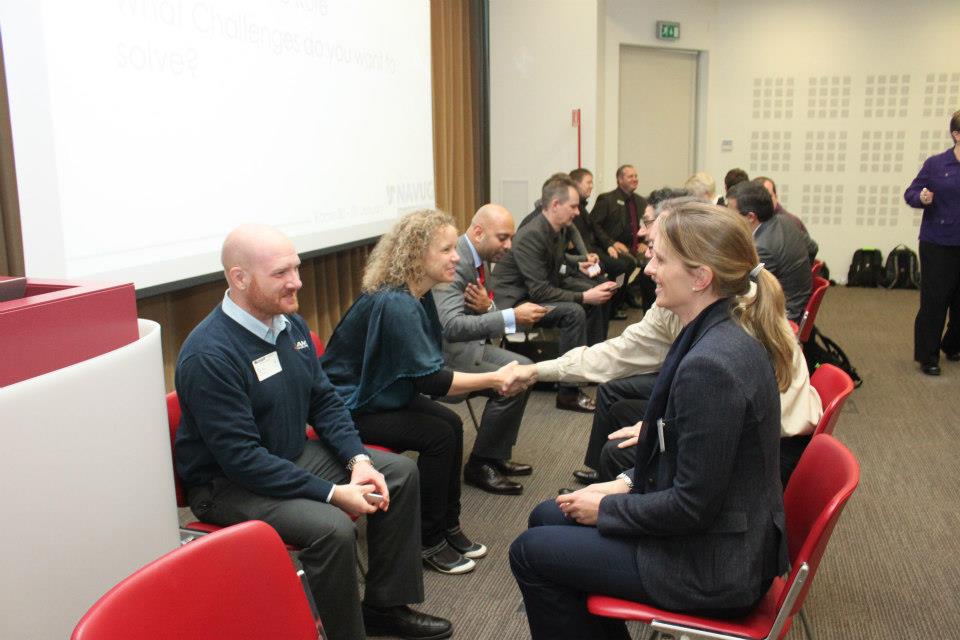
1) Watch for any session labeled with ID, these are interactive discussions and are generally your best bet to find like-minded NAV professionals. The bonus of attending these sessions is that participants are encouraged to interact and discuss the topic during the session. This is a great opportunity to ask questions of other NAV users, but is also a great chance to introduce yourself to someone later. Catch them in the hall with a quick, “that was a great point you made on database optimization in that last session” and you’ve got an instant conversation starter.
2) NAVUG, the NAV user group, is giving a session on Wednesday at 12:30 titled “Get to know NAVUG – your resource group for all things Microsoft Dynamics NAV”. If you haven’t been involved with the user group yet, this is a great way to hear what they’re all about, meet a few folks, and see what they have to offer during the year. The user group also has a booth in the Expo hall.
3) Go to the ILOVENAV.com booth, also in the Expo hall. This is a wonderful group of people who are looking to give NAV users a voice, using idea crowdsourcing, in what happens next with their chosen ERP solution.
4) Head to the Microsoft help desk. There is sure to be a line of people waiting for their appointed NAV guru to help them solve business challenges. Most of the folks standing there will also be NAV users, so don’t hesitate to strike up a conversation.
5) Watch for the user group banner in the meal hall. There’s generally a banner somewhere in the meal hall that indicates a special roped off area for user group members. Do not be intimidated by the rope! If you’re looking to meet other NAV users, come on in and come on over! Folks in the NAVUG are always happy to meet a fellow NAV user.
See you there!
Dynamics NAV Financials is now on Facebook
Posted: February 19, 2013 Filed under: Uncategorized | Tags: facebook, NAV, NAVUG, tips and tricks, training, user group Leave a comment You asked for it, you’ve got it! The blog has got its very own Facebook page at www.facebook.com/DynamicsNavFinancials. For those of you who would rather have Dynamics NAV Financials show up in your Facebook feed, come on over to the new page and hit the Like button!
Since the blog’s been running for almost a year, I’m recycling some of the most popular posts so you have something out there to look at other than my smiling face. If you’re curious about any of my travels with NAVUG, and want to see more pictures of me in a conference room waving my arms around and wearing a name tag, come on over to the Facebook page. I’ll keep you updated on where I’m speaking and about what, and will let you know when new classes open up for registration. And of course, all of the great new content will get posted out there every week. 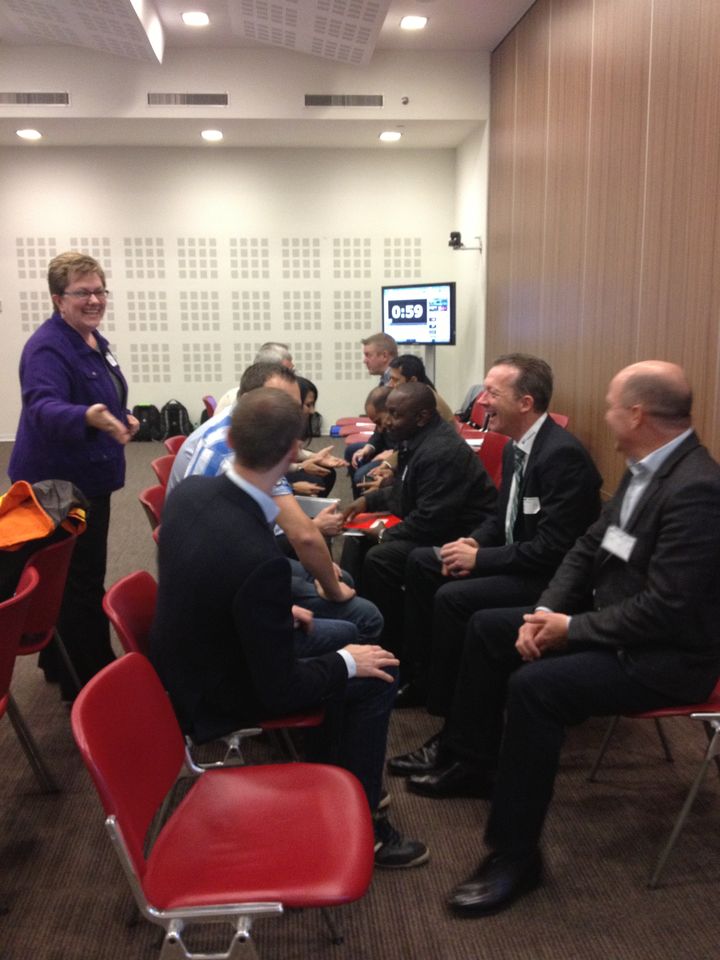
If you’re more interested in just getting great tips and tricks on how best to use NAV at your job, follow by email from the main blog page, follow me on Twitter, or subscribe to the RSS Feed.
Seriously, thanks for reading. Who would have thought this many people would want to know about this stuff? The fact that people have asked for more ways to get this information is just fantastic. I’ve still got plenty more to say and will keep on sharing as long as people keep on reading!
I’m presenting at Microsoft Dynamics Convergence 2013 in New Orleans!
Posted: February 11, 2013 Filed under: Uncategorized | Tags: Account Schedules, Classic Client, Convergence, dimensions, NAVUG, RTC, user group 1 Comment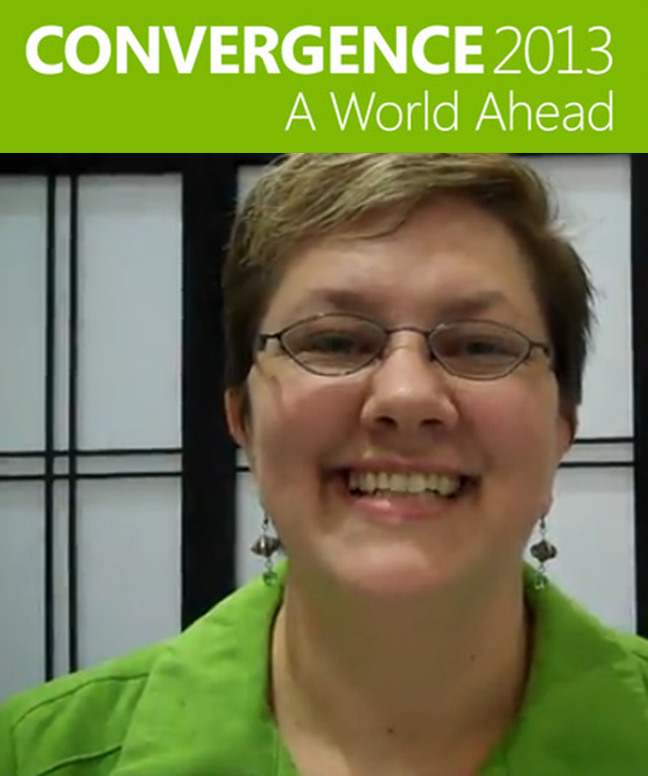 For those of you who are regular readers at DynamicsNAVfinancials.com, I wanted to let you know I will be presenting at Microsoft Dynamics Convergence 2013 in New Orleans, coming up in March. I’ll be doing a session on Account Schedules on Monday, a session on Dimensions on Thursday, and will be participating in sessions as a panelist for Ask Your Peers: Finance Professionals, as well as Ask Your Peers: Upgrade Experiences. More detailed session descriptions are below and are hosted by NAVUG. If you haven’t yet had the chance to connect with the NAV user group, check out this link on how to get engaged with NAVUG and the Dynamics NAV community at Convergence 2013.
If you’re attending Convergence, I’d love to meet you! Be sure to stop by and say hello!
Account Schedules in Microsoft Dynamics NAV: UBNAV04
Ask Your Peers: Finance Professionals: IDNAV01-R1
Ask Your Peers: Upgrade Experiences with Microsoft Dynamics NAV :IDNAV03
Tips & Tricks for Working with Dimensions in Microsoft Dynamics NAV:CSNAV08
Video Demo: How to export NAV account schedules to Microsoft Excel
Posted: February 5, 2013 Filed under: Uncategorized | Tags: Account Schedules, dimensions, Excel, export to excel, financial statement, learning, NAVUG, NAVUG Academy, training Leave a commentThere are some quick and easy ways to publish NAV Account Schedules to Microsoft Excel but some of them end up with some pretty ugly formatting unless you know a few secrets on how to make them look better. This short demo video shows you how to create a nicely formatted NAV Account Schedule in Microsoft Excel that only requires formatting the first time you set it up. Each time you replicate the report after that, you can simply update the report with new numbers and the formatting will remain the same every time.
While this demo shows how to create a financial report with three monthly tabs, you can easily extend this technique in a couple of different ways. I use this same technique to produce my monthly financial statement package. I have eighteen pages in the package I produce each month, and each page is a different account schedule. When I start a new month, I copy the Excel workbook and rename it with the new month, then use exactly this same technique to produce the new month’s reports. By using this technique, the new copied workbook acts as a “shell” to receive my new numbers. From month to month, I am able to maintain consistent formatting in my reporting while producing my financial reports in the most efficient way possible. I can apply the same principles to my monthly team budget reports. In this case, I can produce the same actual versus budget report over and over with a new dimension filter applied for each team, one per each Excel worksheet in the workbook.
If you’d like to learn more about account schedules, please visit my 2013 Classes page. This short video demo comes from my Account Schedules Basics class which I teach through NAVUG Academy. This class offering is just one of many classes that are being offered by NAVUG Academy in 2013 to help you get more out of your use of NAV at your company.
This posting is one of the Top 20 Most Viewed in the last year! Follow this link to see the entire list.







 Dynamics NAV Financials